Chronological, not curated
Stories appear in the order they were published. Newest or oldest first is your choice — never a ranking you cannot see.
Native iOS RSS & Atom reader
ChronoFeed is a clean, distraction-free feed reader for people who value their time. Add your favourite sources, set a refresh interval, and read the stories that matter — no algorithms, no ads, no noise.
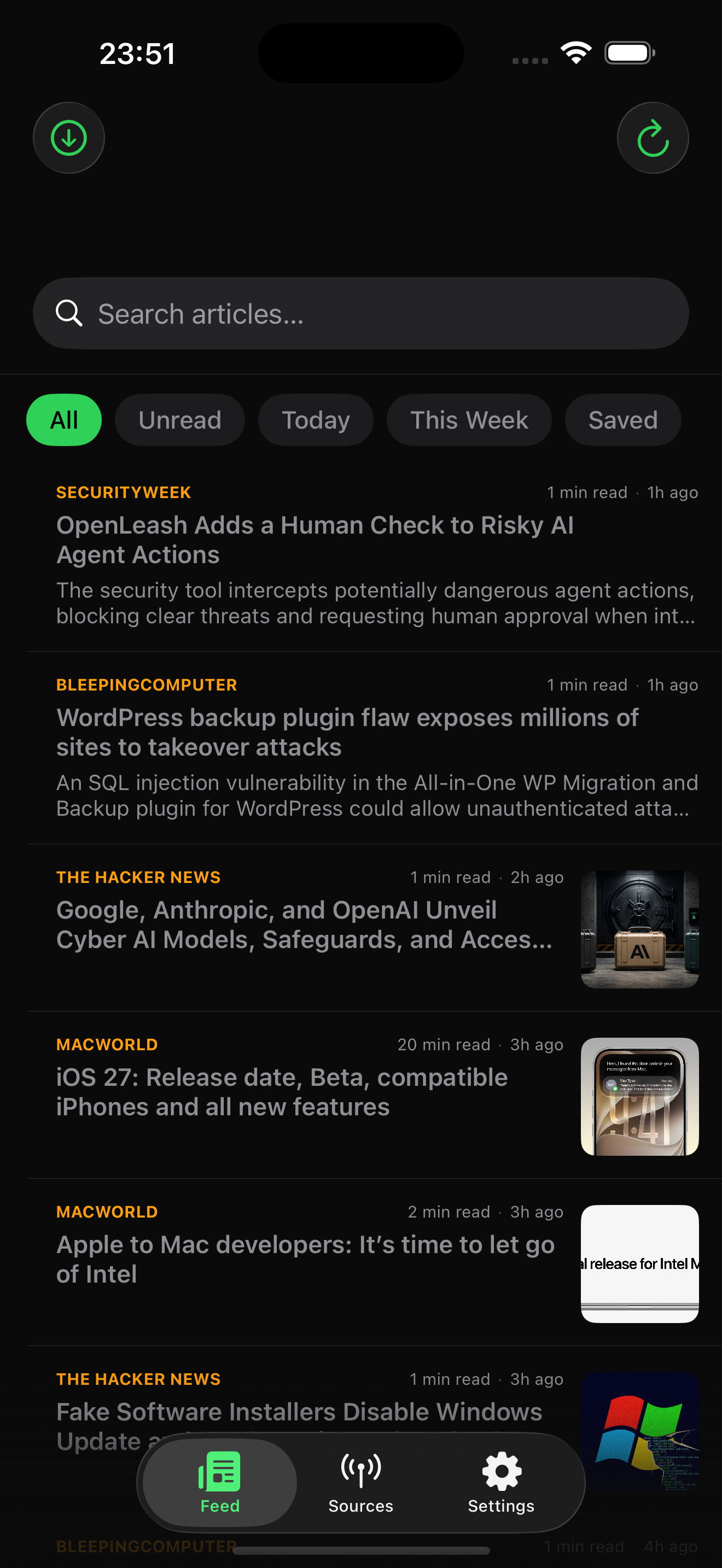
Stories appear in the order they were published. Newest or oldest first is your choice — never a ranking you cannot see.
Feeds and articles stay on your device. Favicons load from each site’s own domain. There is no account and nothing to track.
Import and export OPML, including folders. Move your sources to Reeder, NetNewsWire, Feedly, or another copy of ChronoFeed.
Three tabs cover the whole app: Feed, Sources, and Settings. Everything else is a short tap away.
Search, filter by All, Unread, Today, This Week, or Saved, and scan headlines with source names, reading time, and thumbnails.
Swipe left to mark read or unread. Swipe right to save. Long-press to share, copy the link, or change the read state.
Open stories in a dark in-app browser, or switch on Open in Safari for Reader Mode and your extensions.
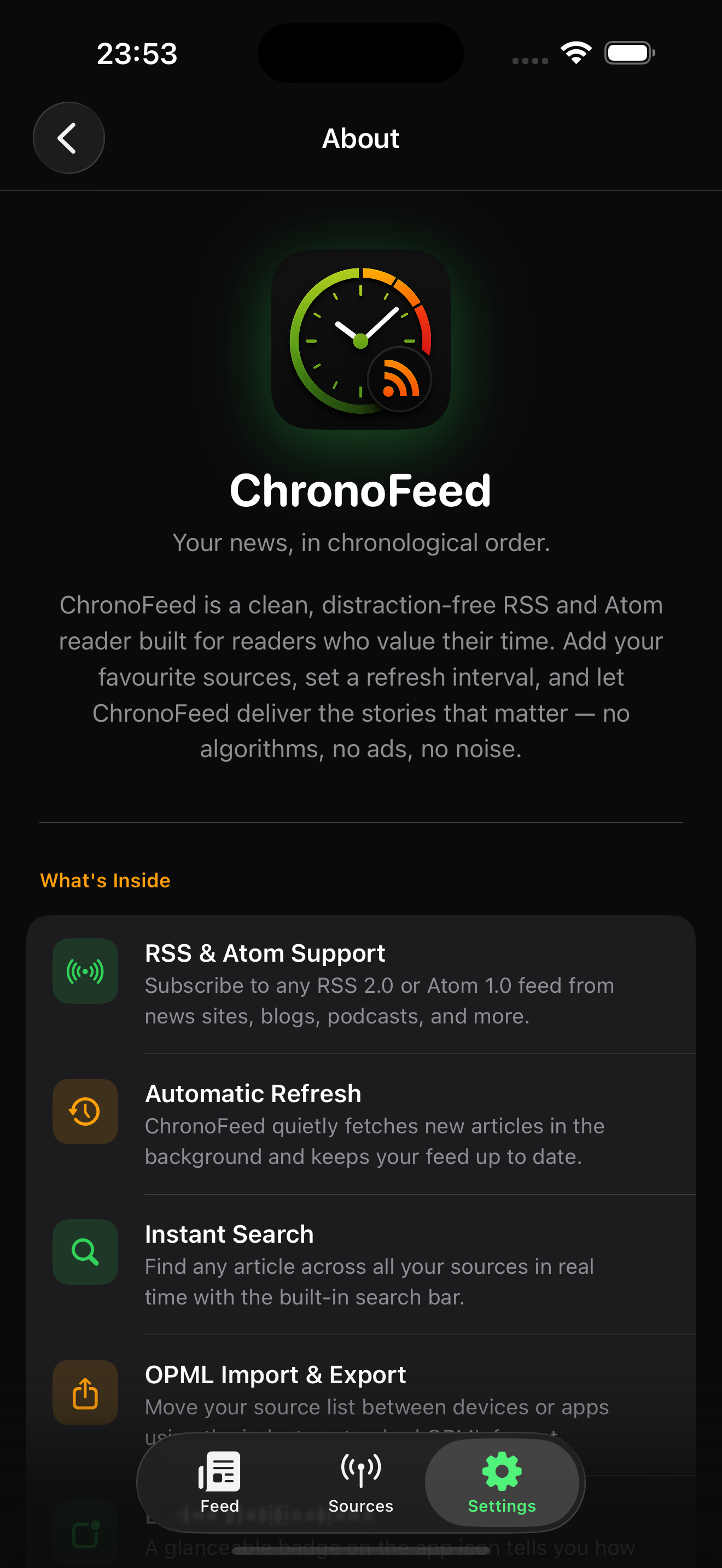
Paste a feed URL or a website. ChronoFeed discovers RSS and Atom feeds, groups them into categories, and lets you pause or rename any source.
Pull to refresh, pick an interval from 15 minutes to 24 hours, or fetch in the background. Quiet Hours keep banners silent overnight.
A searchable User Guide, What’s New cards, Statistics, and first-launch onboarding with starter feeds for Tech, News, and more.
Swipe, use the arrows, or select a caption to move through the ChronoFeed screens.
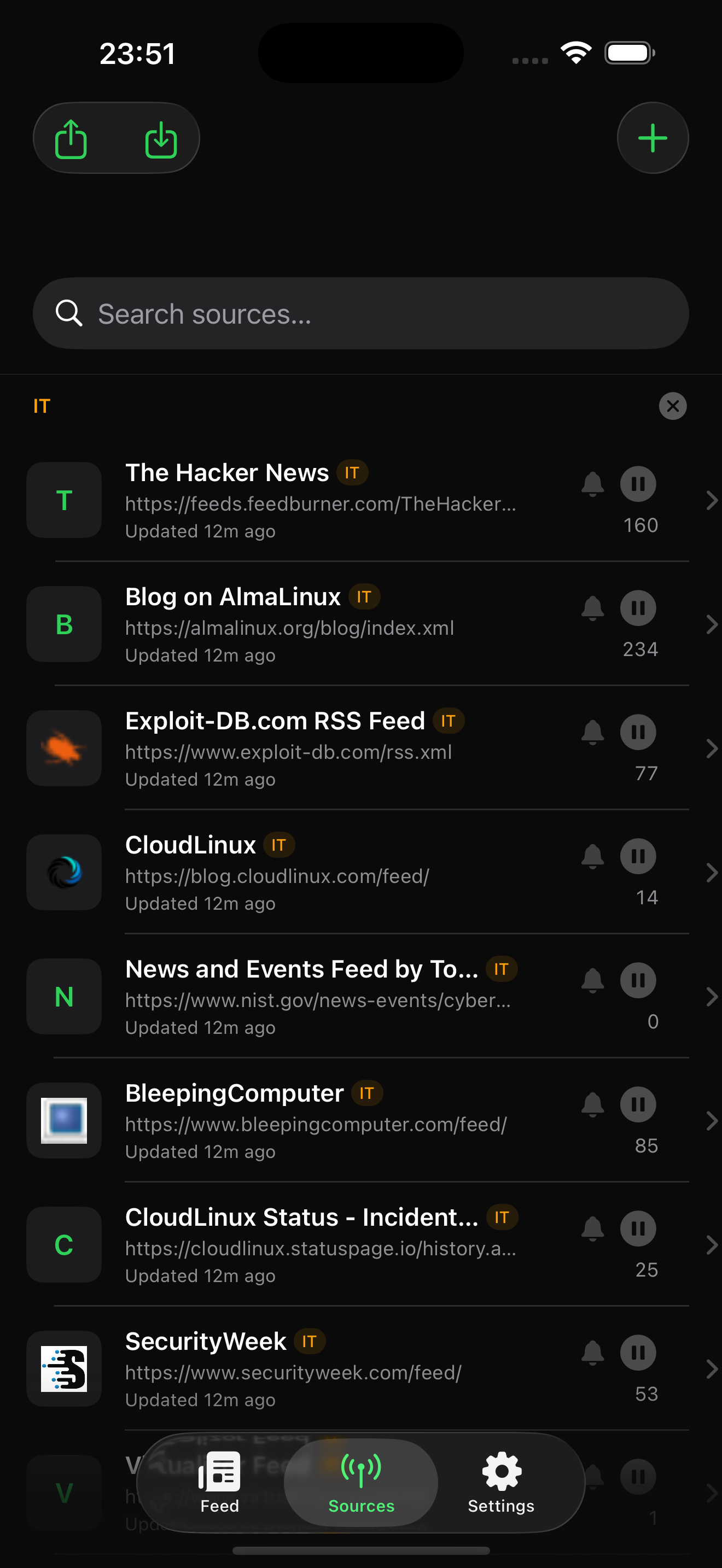
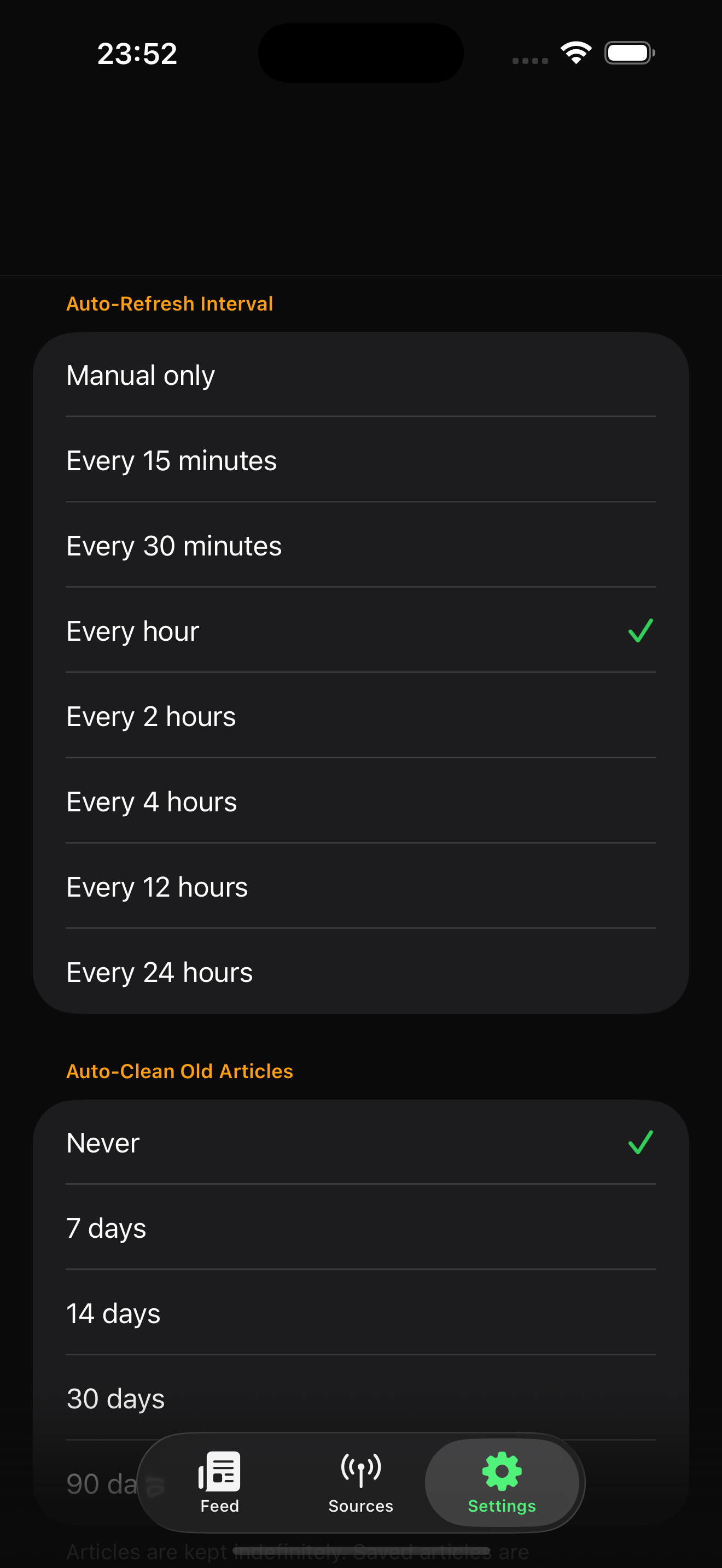
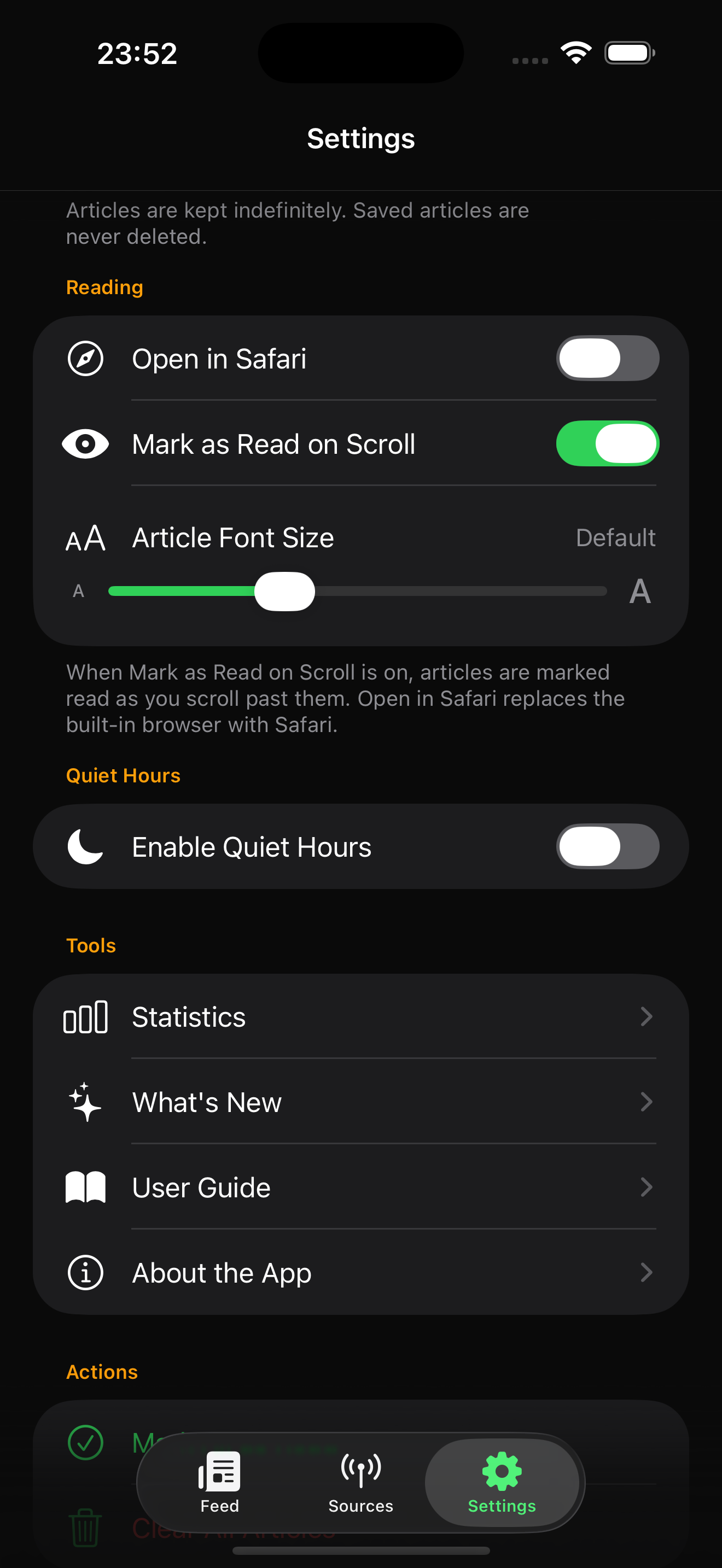
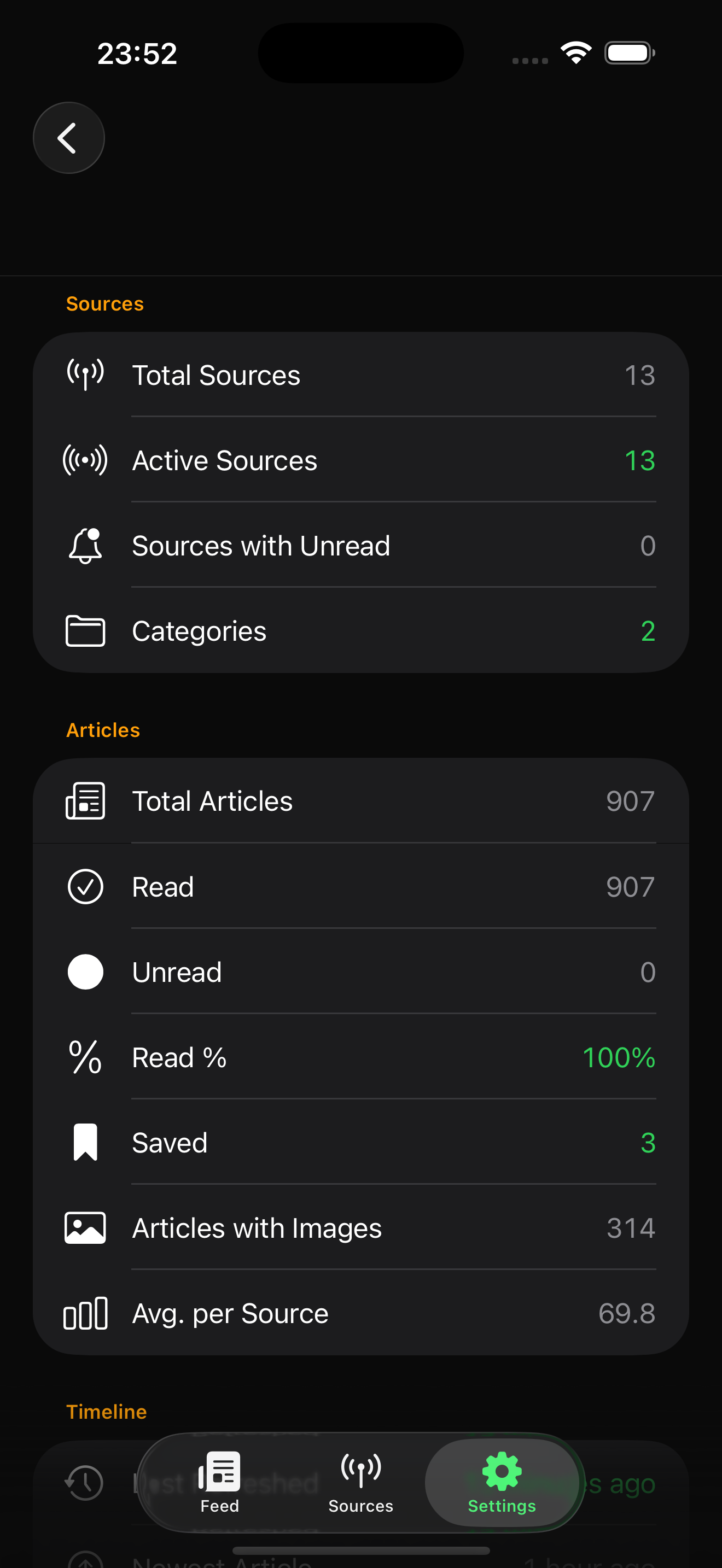
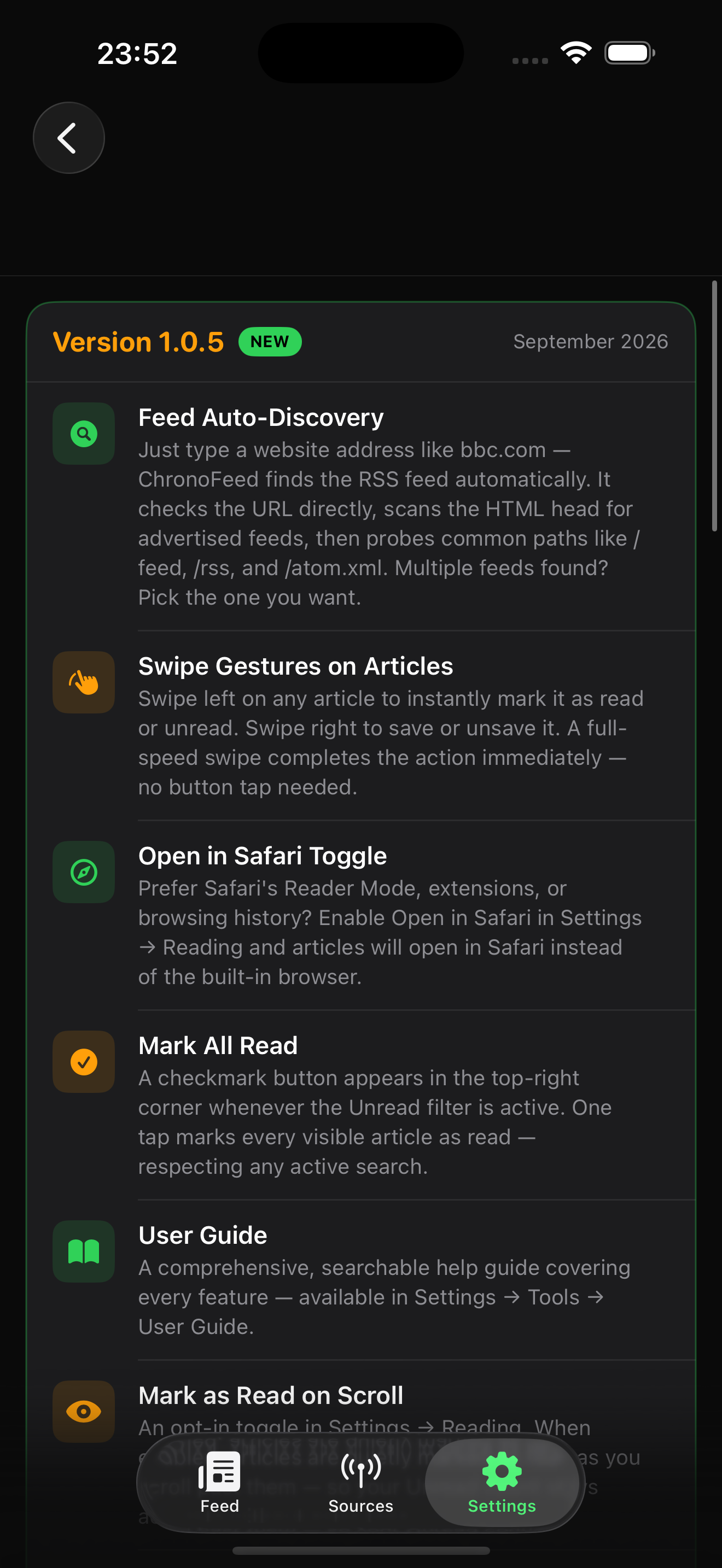
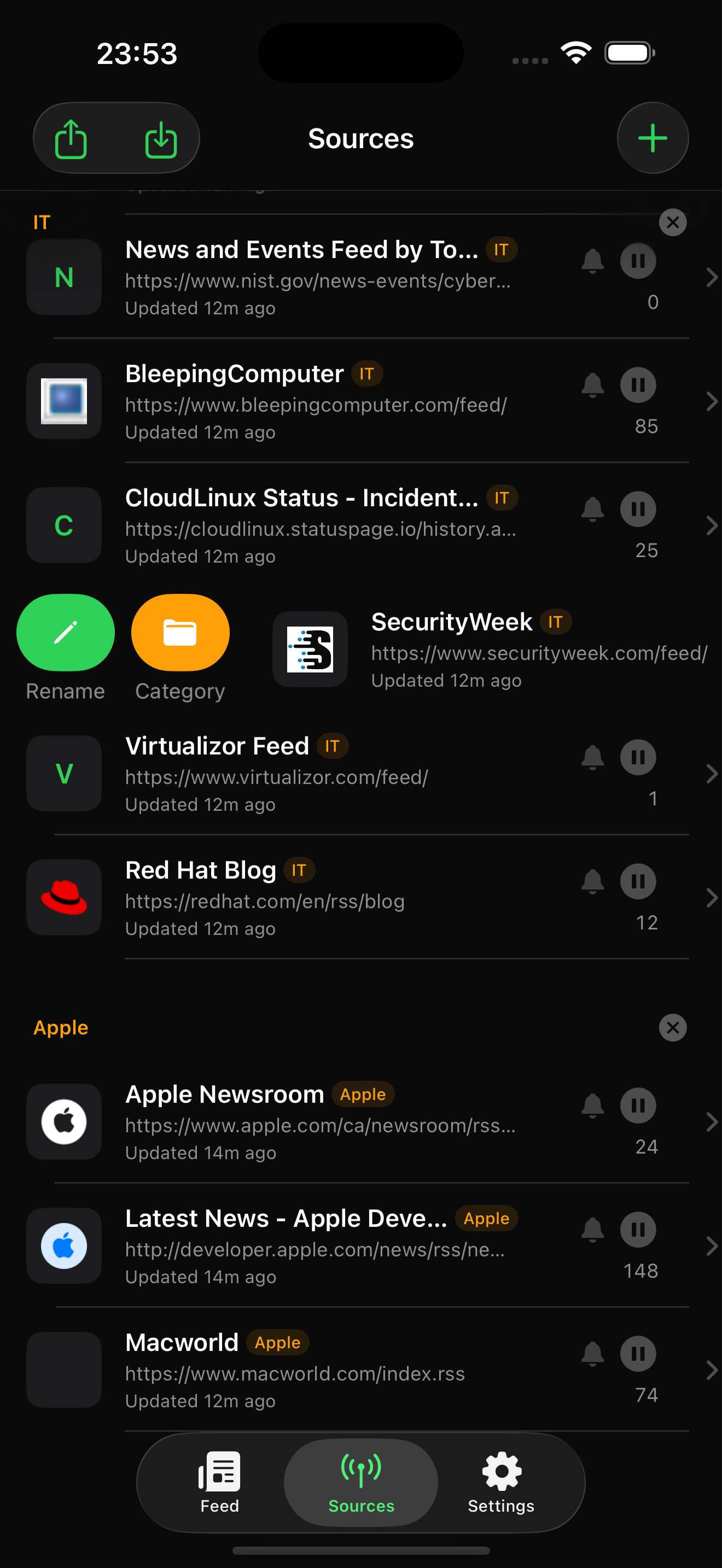
ChronoFeed is a native iOS app. Add your sources once, then let refresh, badges, and Quiet Hours keep the feed ready when you are.
Available for iOS 26.5+Bundle ID studio.inkadesign.ChronoFeed · inkaDesign Studio
Short answers to the questions people ask before they subscribe to another reader.
Subscribe to RSS 2.0, Atom 1.0, and RDF RSS 1.0 feeds. Read them in one chronological list, save stories, organise sources into categories, and take your list with you as OPML.
No. Everything is stored on your iPhone with SwiftData. There is no sign-in, no cloud sync account, and no advertising profile.
ChronoFeed is an iOS app for iPhone, targeting iOS 26.5 and later. An iPad split-view layout is not included yet.
Yes, if you allow them. Background refresh can show a banner and a sound when new articles arrive, grouped in Notification Center. Quiet Hours and per-source mute keep that under control. The home-screen badge still updates during Quiet Hours.
Yes. Export OPML from Reeder, NetNewsWire, Feedly, or a similar app and import it in Sources. Folders become ChronoFeed categories.
Last updated: September 16, 2026
This Privacy Policy explains how ChronoFeed ("the App"), developed and operated by inkaDesign Studio, handles information when you use the ChronoFeed iOS application.
We designed ChronoFeed as a personal feed reader with privacy in mind. ChronoFeed does not require an account, does not collect personal information, and does not send your personal data to us or to third parties.
ChronoFeed does not collect or store personal information about you.
The App does not require you to create an account or provide information such as:
ChronoFeed does not maintain a user database or user profile.
ChronoFeed requires Internet access to retrieve news and other content from the RSS feeds or other feed sources configured or selected by the user.
The App uses the Internet connection solely for retrieving and displaying feed content.
When ChronoFeed connects to a feed or website, that connection is made to the relevant third-party server. Those servers may receive standard technical information associated with an Internet request, such as an IP address, as part of normal Internet communication.
ChronoFeed does not control how third-party websites or feed providers process information received through their servers. We recommend reviewing the privacy policies of the websites and services whose feeds you access through ChronoFeed.
ChronoFeed does not require registration or login.
There is no ChronoFeed account associated with your use of the App, and we do not collect credentials or authentication information from users.
ChronoFeed may store certain application data locally on your iPhone or other Apple device in order to provide its functionality.
This may include information such as:
This information is stored locally on your device and is not transmitted by ChronoFeed to us.
ChronoFeed does not use third-party advertising trackers or behavioral tracking technologies.
We do not use your personal information for advertising, profiling, or targeted marketing.
ChronoFeed does not send usage information, reading history, subscribed feeds, or other personal data to our servers.
ChronoFeed does not use advertising networks that require us to share your personal information.
We do not sell or rent user information to advertisers or other companies.
ChronoFeed may display content obtained from third-party RSS feeds, websites, or other online sources.
When retrieving such content, your device communicates directly with the relevant third-party servers. These third parties operate independently from ChronoFeed and may collect technical information in accordance with their own privacy policies.
ChronoFeed is not responsible for the privacy practices, content, or data handling practices of third-party websites or feed providers.
ChronoFeed does not knowingly collect personal information from children or from any other users.
Because the App does not require an account and does not collect personal information, there is no age-based personal information collection by ChronoFeed.
Because ChronoFeed does not collect or transmit personal information to our servers, we do not maintain a database of ChronoFeed users' personal information.
Information stored locally by the App remains subject to the security of the user's Apple device and operating system.
We do not sell, rent, or share personal information with third parties because ChronoFeed does not collect personal information for these purposes.
The App may connect to third-party feed providers and websites when retrieving content requested by the user. Such connections are necessary for the core functionality of the App.
Depending on where you live, you may have rights regarding your personal information under applicable privacy laws, including the right to access, correct, or delete personal information.
Because ChronoFeed does not collect personal information on our servers or maintain user accounts, there is generally no personal information held by us that can be accessed, corrected, or deleted.
We may update this Privacy Policy from time to time to reflect changes to ChronoFeed, applicable laws, or our privacy practices.
When we make changes, we will update the "Last updated" date at the top of this Privacy Policy.
If you have questions about this Privacy Policy or ChronoFeed's privacy practices, you can contact us at:
inkaDesign Studio
Email: contact@inkadesign.studio